 Sentinel
Follow-ups that happen without anyone remembering.
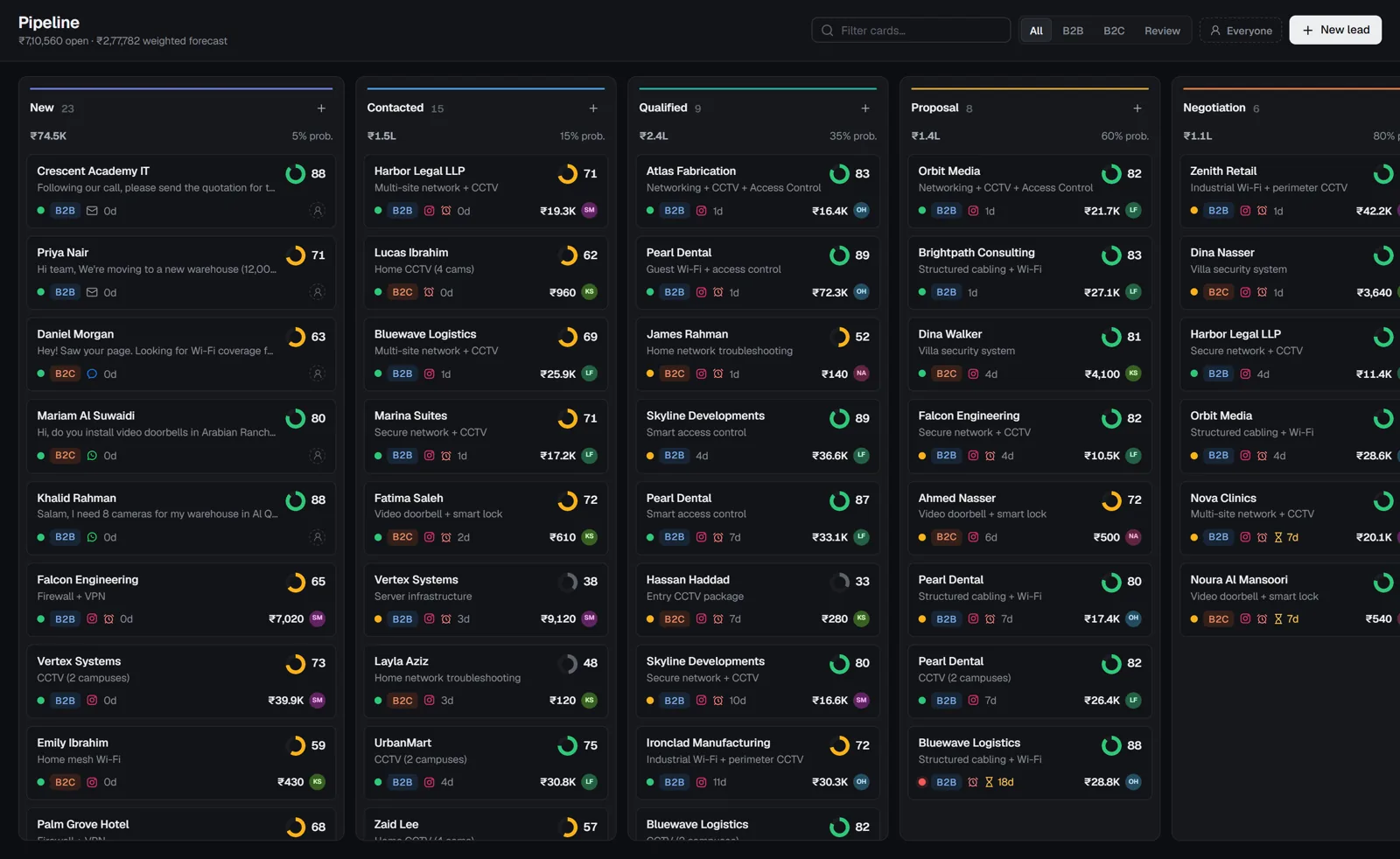
Sentinel's rules handle the routine: who gets the lead, what task comes next, and who hears about it when something is left waiting.
CRM automation in Sentinel is a set of rules: when something happens, if conditions match, do one or more actions. Rules run on events, such as a new lead, or on timed checks, such as a lead with no reply.
When: the triggers
| Trigger | Type |
|---|---|
| Lead is created | Event |
| Lead is assigned | Event |
| Lead moves stage | Event |
| Lead becomes high intent | Event |
| Lead type or category is set | Event |
| Lead is won or lost | Event |
| Message received on any channel | Event |
| Quote is accepted | Event |
| No response after a period | Timed check |
| Assigned lead left unattended | Timed check |
| Lead stuck in a stage | Timed check |
| Follow-up task is overdue | Timed check |
Do: the actions
Assign
To a person, a team or by rotation. Reassign when a lead is left unattended.
Create a task
A call, meeting or follow-up with a due time, on the owner's Focus list.
Notify or escalate
Tell the owner, a manager or the team. Escalate when targets slip.
Move the stage
Advance a deal when a quote is accepted, for example.
Set type or intent
Mark lead type or intent based on conditions you define.
Tag and note
Add tags for reporting and log a note on the lead's timeline.
Rules teams start with
Never leave a hot lead without an owner
When a lead becomes high intent, if it has no owner, assign it to the sales team by rotation and notify the manager.
Chase the quiet ones
When a lead has had no response for 24 hours, create a task for the owner to follow up, due within two hours.
Unstick the pipeline
When a deal has sat in Proposal for 7 days, notify the owner and add the tag “stalled”, so it shows up in the weekly review.
Split retail from projects
When lead type is set, if it is business, assign to the projects team; otherwise assign to retail.
Plan availability
- Free: no automations; manual assignment and tasks.
- Starter: basic automations.
- Growth: advanced automations, AI auto-routing, stage checklists and response-time targets.
- Business: everything in Growth plus approval workflows, API and webhooks.
Questions
Can automations send WhatsApp messages?
No. Rules assign, notify, create tasks, move stages, tag and log notes. Customer messages are always sent by a person.
What are stage checklists?
Steps a deal must complete before it moves to the next stage, such as "site survey done" before Proposal. They're available from the Growth plan.
Every enquiry answered. Starting today.
Free for 2 users, no card required. Connect an inbox and your first leads are sorted in minutes.